
Prefer to watch? This chapter goes with Episode 6 (5:36). Open it on YouTube.
What is using up my limit?
Your plan gives you a limit for each few hours and for the week. A morning of chapters 1 to 5 uses a lot of it. In our run, a new session already showed 31% used before the first question.
What is using up your limit, and how can you do the same work with less of it?
Read your usage
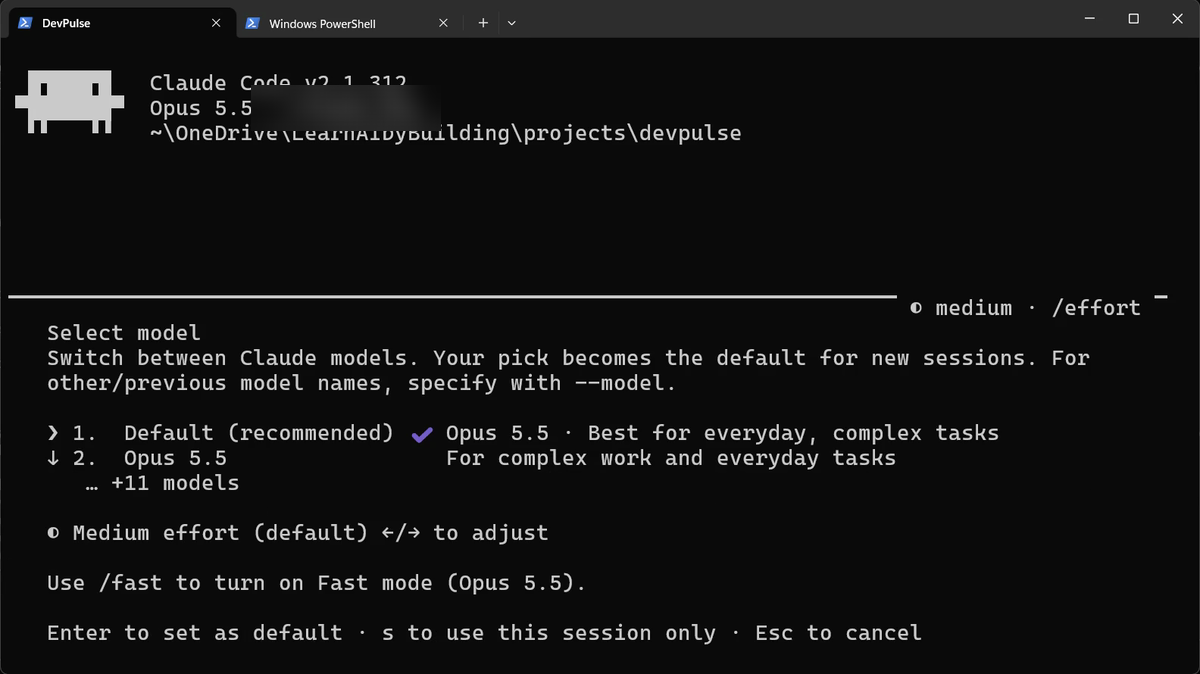
Start Claude Code and look at the first lines. They show the model. In our run the default is Opus, "best for everyday, complex tasks". Your plan may show other models.

This "current session" is your plan's window of a few hours. It counts all your recent work, not only the conversation you just opened.
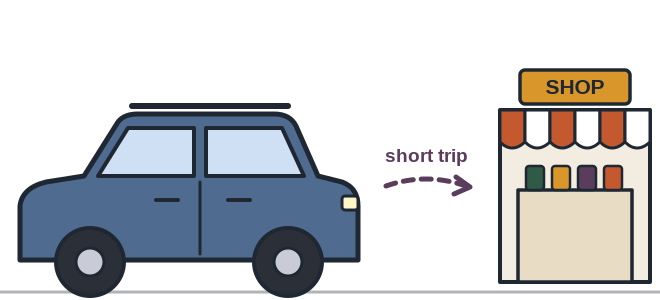
Say you take a big car for a short trip to the shop. It gets you there, but you pay for a big car on every trip. Claude Code gives you the same kind of choices: which model does the work, how hard it thinks, and how much it carries along.
Pick a lighter model
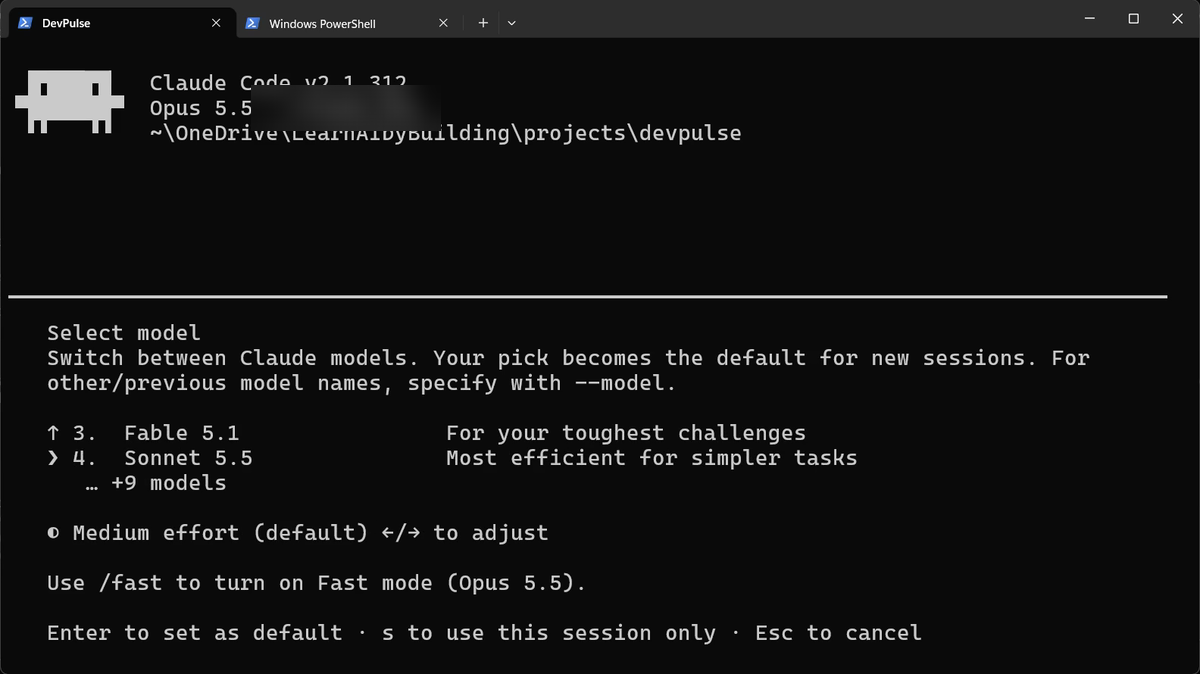
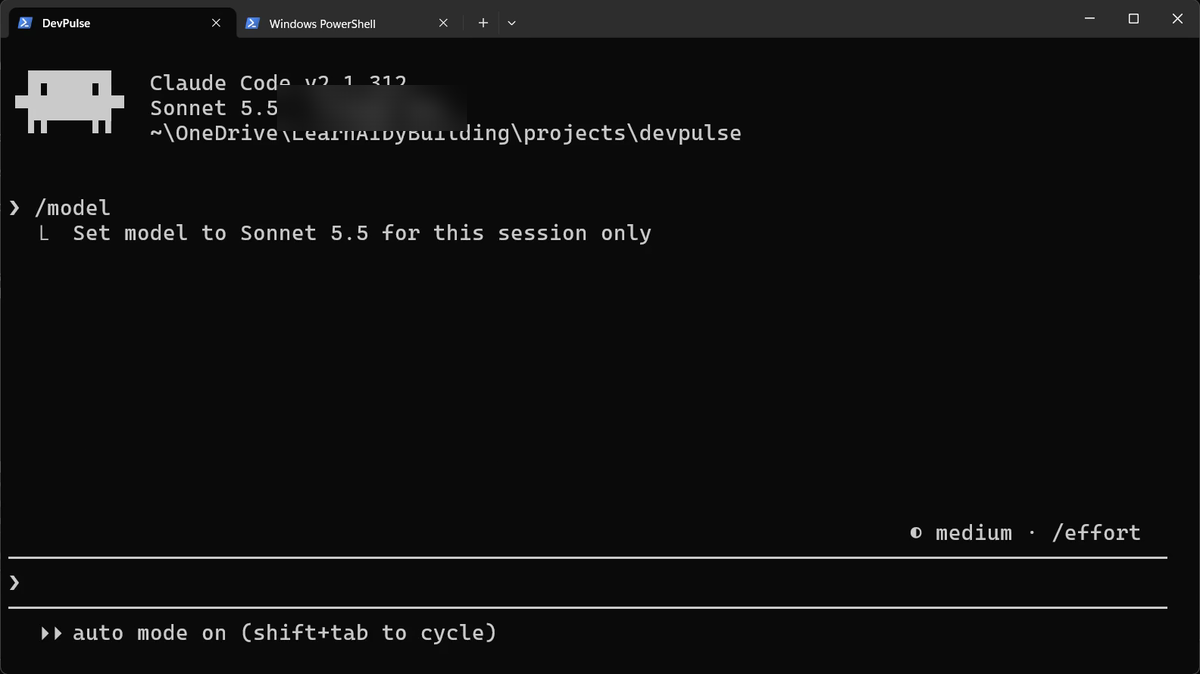
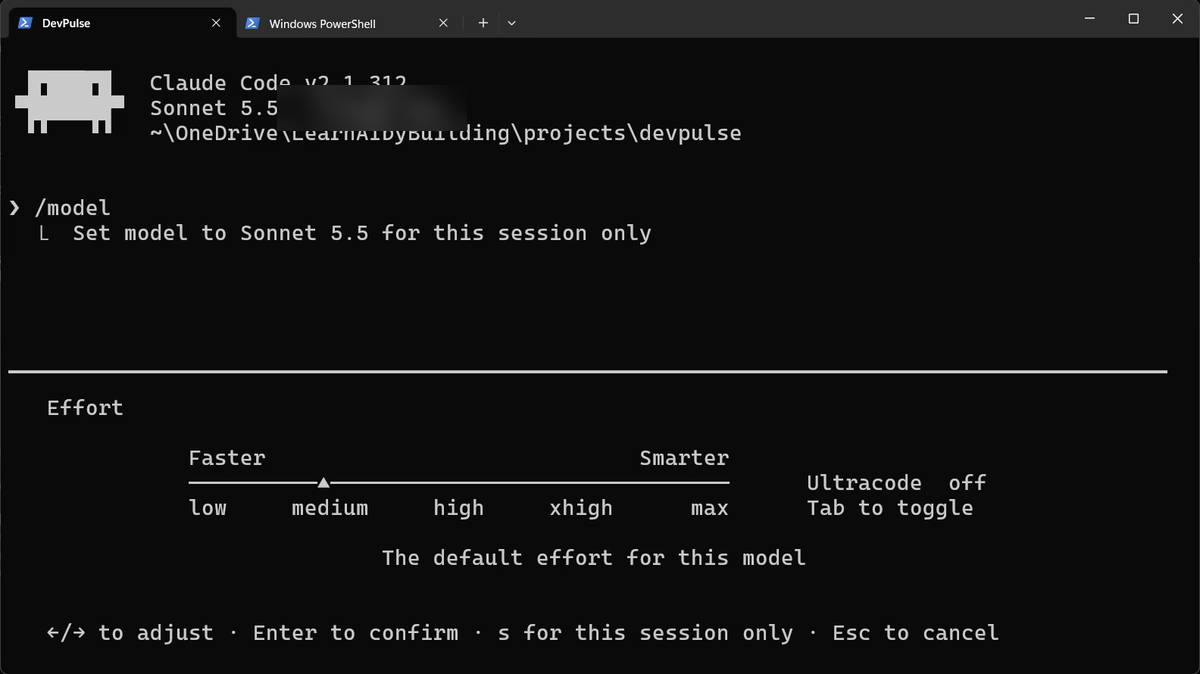
Not every task needs the strongest model. A small change, a rename or a question about a file runs well on a lighter one.
Set how hard it thinks
A model can think briefly or at length. Longer thinking helps hard problems and costs more on easy ones.
Watch the conversation grow
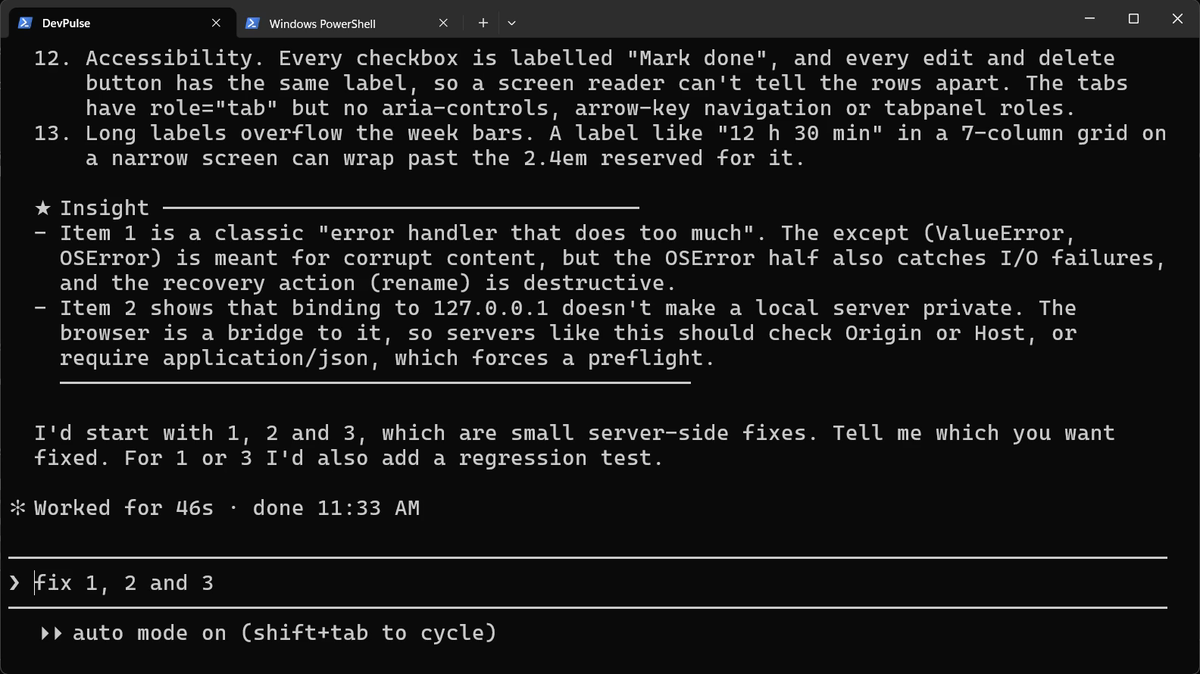
Every message you send carries the whole conversation with it. Claude counts it in tokens: small pieces of text, a few letters each. So a long conversation costs more on each new question. /context shows the size; watch the Messages line.
We checked it three times: in a new session, after one big read-only question, and after /clear. This was the question:

Three ways to keep it short
There are three commands, one for each situation.
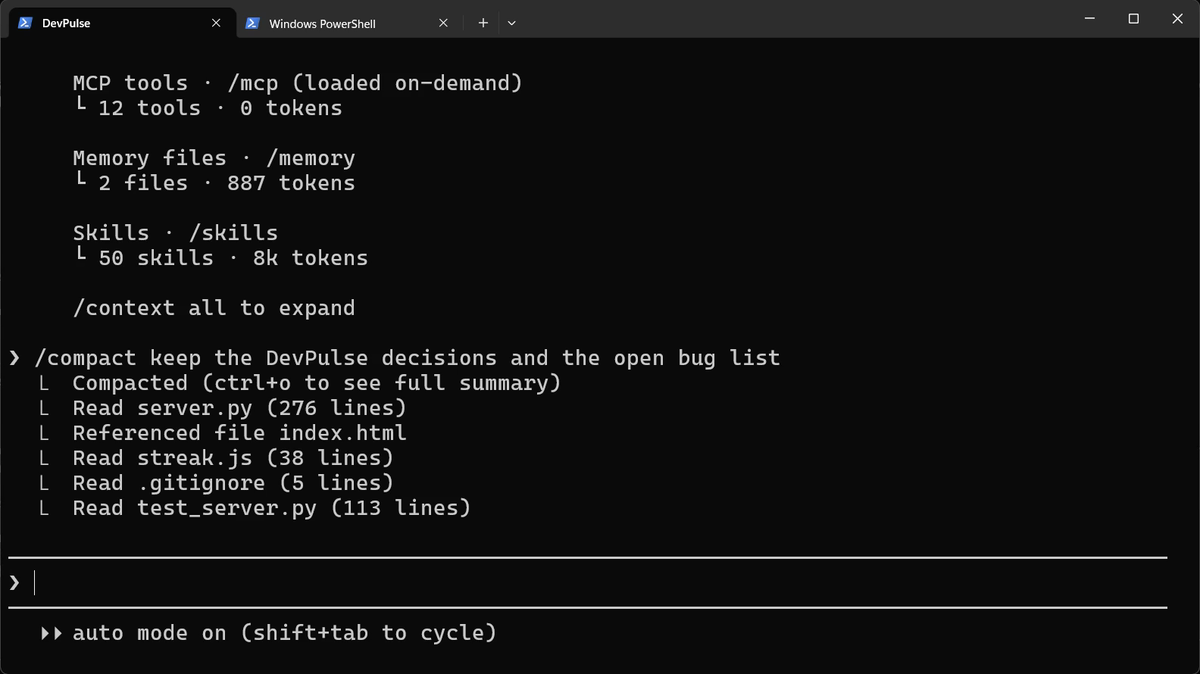
Still working on the same task? Shrink it, and say what must be kept.
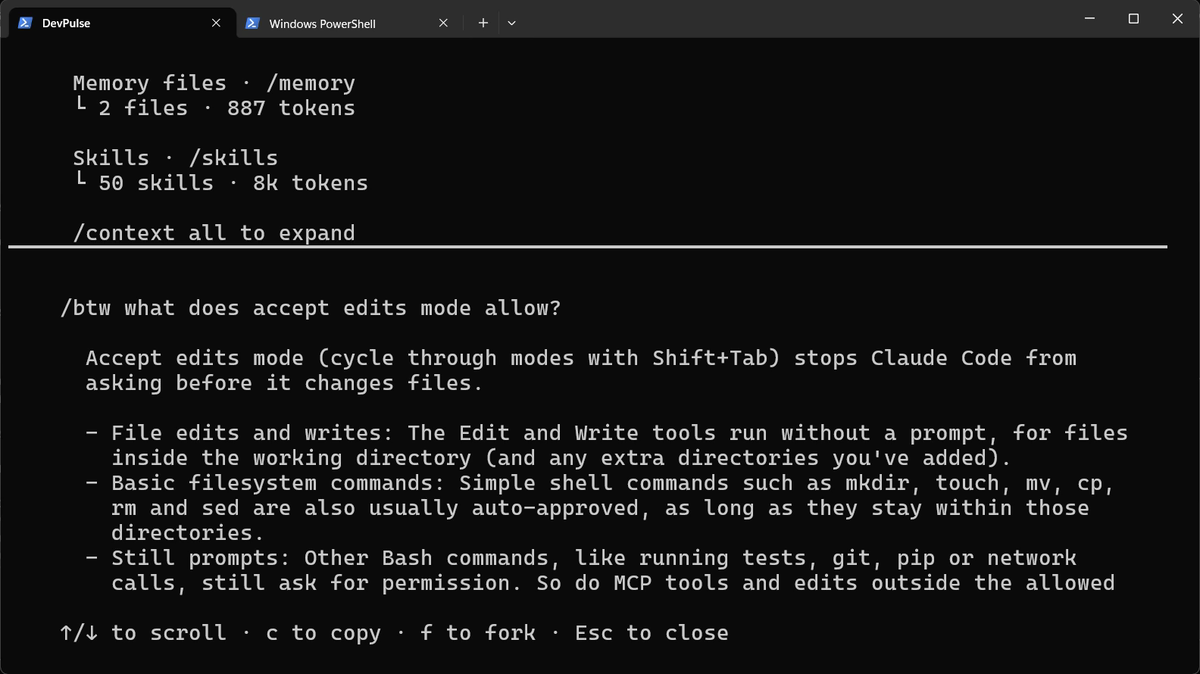
A quick question off the main task? Ask it on the side, without interrupting the main conversation.
Starting something unrelated? Start clean. /clear empties the conversation, in the same folder. Your files, CLAUDE.md and memory stay, and the old session is not lost: it stays on disk, and /resume opens it again. The last reading in the Messages picture under Watch the conversation grow, 130 tokens, is after /clear.
What saving costs
A lighter model can miss what Opus would catch. Low effort can rush a hard bug. And /compact keeps a summary, so details you did not name may be lost.
So switch down for easy work, and back up for hard work. And notice the prompts you type every day, again and again. That repetition costs time too. Chapter 7 turns one of them into a single command.
Quick reference
The prompts from this chapter, ready to copy: every prompt, chapter 6.
| Command or key | What it does | Use it when |
|---|---|---|
/usage | Shows how much of your plan's limit is used, and when it resets | You wonder why Claude slowed down or stopped |
/model | Picks the model; s = this session only, Enter = new default | The task is simple, or very hard |
/effort | Sets how hard the model thinks, low to max | Quick tasks need less thinking |
/context | Shows what fills the conversation; watch Messages | The conversation feels long |
/compact keep … | Shrinks the conversation to a summary of what you name | A long task still has more to do |
/btw question | Answers a side question without adding it to the conversation | A quick question off the main task |
/clear | Starts an empty conversation in the same folder | You switch to an unrelated task |
Measure one question
The goal: see what one question costs your conversation.
The steps: start claude, run /context and note the Messages line. Ask Explain streak.js in five lines. Run /context again.
Guess first: will Messages grow by hundreds, or by thousands?
One question for you, the same as in the video: which of your tasks today really needed the strongest model?
References
Where each command on this page comes from. Every screenshot is from our own recording on 29 Oct 2026, Claude Code 2.1.312.
- Anthropic · Manage costs effectively What uses your plan: model, effort, the size of the conversation; /compact and /clear. https://code.claude.com/docs/en/costs
- Anthropic · Model configuration /model, the default model per plan, and choosing a model for one session. https://code.claude.com/docs/en/model-config
- Anthropic · Interactive mode /usage, /effort, /context, /compact, /btw and /clear. https://code.claude.com/docs/en/interactive-mode
- My own recording · 29 Oct 2026, Windows 11 One read-only question grew the conversation from 300 to 33,500 tokens.
New chapters and episodes come out every week. Follow along on YouTube or the WhatsApp channel. Questions? Ask under the video on YouTube; I read every comment.